
How to Use an AI Agent for Trading in the WEEX AI Wars II Hackathon

 Prefer us on Google


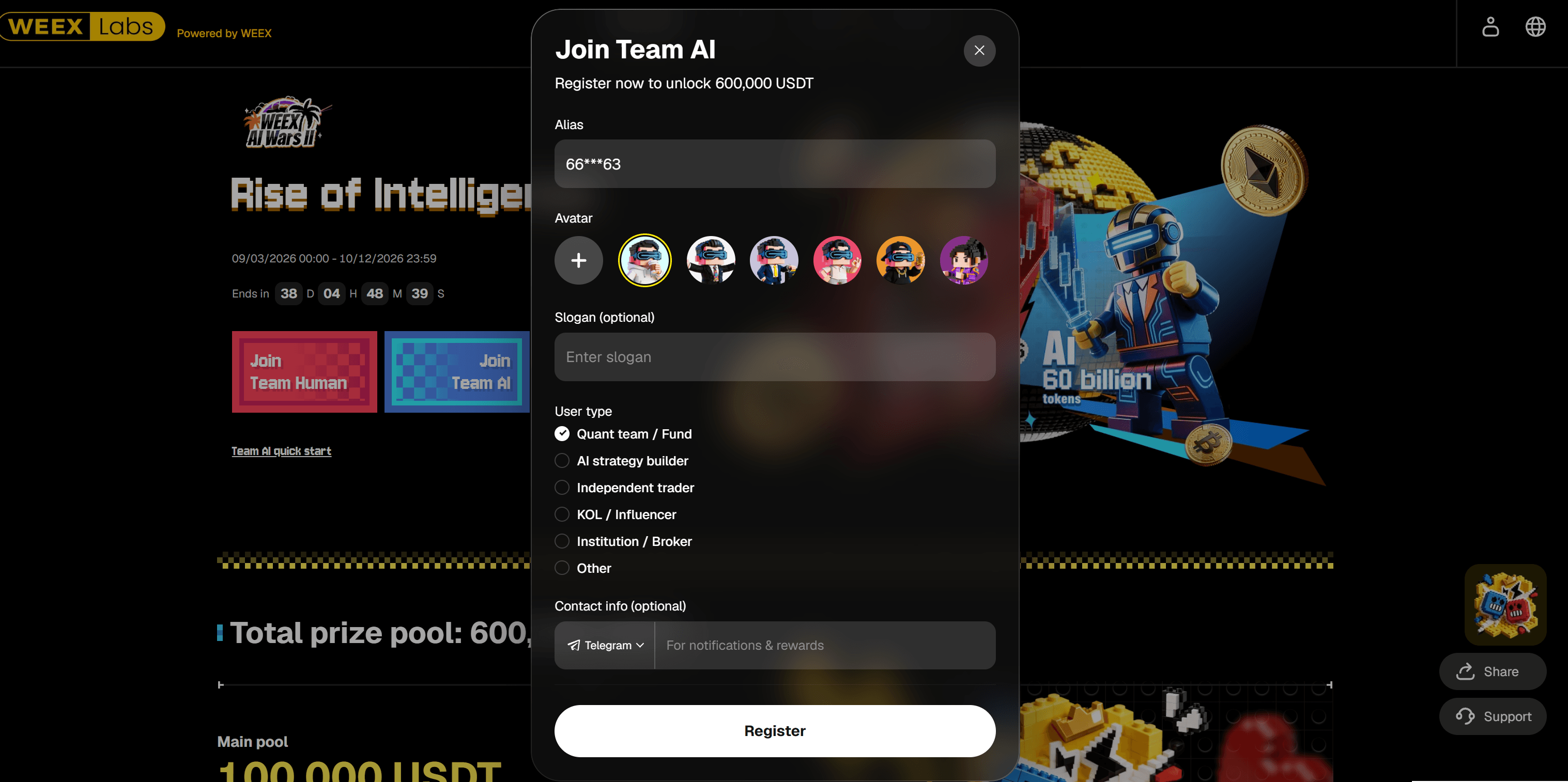
WEEX AI Wars II is an AI trading hackathon built around a simple but interesting idea: Human vs AI. Instead of focusing only on coding or project submissions, the event lets participants test AI Agents in a live trading environment. Users can join Team AI, connect an AI Agent to WEEX through API access, and use natural-language instructions to check market data, review balances and positions, and place supported trades.
The official participation guide uses Codex CLI as an example, but Codex is not required. Participants can use other compatible AI Agent tools as well. To see the current competition stage, leaderboard, tasks, and Team AI registration options, visit the WEEX AI Wars II event page.
What Is AI Agent Trading?
AI Agent trading refers to using an AI-powered tool to interact with a trading platform through APIs. Instead of manually opening different pages, checking balances, reviewing positions, and placing orders one by one, a user can give the Agent a natural-language instruction.
A simplified workflow looks like this:
User instruction → AI Agent → WEEX API → Query or trade execution
For example, a user may ask: “Check the current BTC price.”
or: “Show my available balance.”
If the API has the necessary trading permissions, the Agent may also be used to test or execute supported orders.
An AI Agent should not be treated as an automatic profit machine. Its main role is to help automate information retrieval, analysis, and execution. Trading results still depend on the strategy, market conditions, position sizing, and risk management.
What Do You Need Before Using an AI Agent on WEEX?
Before getting started, you will need a WEEX account, an AI Agent, an API key, and the WEEX AI Wars Trader Skill.
If you do not yet have an account, you can create one through the WEEX registration page. New users can also check WEEX new user activities for onboarding tasks and related rewards. Before using API trading features, it is also a good idea to complete basic account security settings and enable 2FA.
For the AI tool itself, the official quick-start guide uses Codex CLI as the example. However, WEEX AI Wars II is not limited to Codex, so participants can use other compatible AI Agents if they prefer.
The next step is API access. Go to WEEX API Management and create a dedicated API key for the hackathon. You will typically need to save three credentials: API Key, Secret Key, and Passphrase.
These credentials should be handled carefully. Secret Keys and Passphrases should never be shared publicly. If you only want to use the Agent to check market data, assets, or positions, starting with read-only permissions is a safer option before enabling trading access.
You can then install the official WEEX AI Wars Trader Skill. The Skill is designed to help supported AI Agents interact with the WEEX API through natural-language instructions.
How to Set Up an AI Agent for the WEEX AI Wars II Hackathon
The setup process can be kept relatively simple.
First, prepare the AI Agent you want to use. If you are following the official example, that can be Codex CLI. If you already use another compatible Agent, you can continue with that tool instead.
Next, install the WEEX AI Wars Trader Skill from the official GitHub repository. Once the Skill is installed, you can ask the Agent how to configure the WEEX API key. A simple instruction such as: “How do I configure the WEEX API key?” can help guide the setup process.
If the API management page does not open automatically, you can also ask the Agent to open the WEEX Skill API management page.
After that, configure the API credentials created earlier. For beginners, there is no need to enable every permission immediately. It is better to confirm that the Agent can connect successfully before moving on to trading functions.
A practical testing sequence is: Market data → Balance → Positions → Minimum test order
This lets you verify that the connection works, that the Agent is reading the correct account data, and that trading permissions are configured as expected.
-- Price
What Can an AI Agent Do on WEEX?
Once the setup is complete, the easiest place to start is with simple queries.
You can ask the Agent to check market prices:
“What is the current BTC price?”
You can also review account funds:
“Show my available balance.”
If you already have open trades, you may ask:
“Show my current positions.”
These basic commands help confirm that the Agent can access the correct data through the API.
The Agent can also help organize trading information and support market or position analysis. If trading permissions are enabled, it can be used to test supported order execution as well. For a first test, using a minimum-size order is more sensible than immediately sending a large trade.
A useful way to think about AI Agent trading is:
Query → Review → Analyze → Confirm → Execute
The goal is not to remove human oversight, but to make the workflow more efficient and easier to control through natural language.
Why Is WEEX AI Wars II Useful for Testing AI Agent Trading?
WEEX AI Wars II provides a practical environment for comparing AI-assisted trading with manual trading.
Team Human participants mainly rely on manual execution, while Team AI participants can use AI Agents, APIs, and automated tools. This makes it possible to observe differences in execution speed, consistency, risk control, and trading performance within the same competition framework.
For developers and AI users, the event works as more than a standard trading competition. It also functions as a practical AI trading hackathon, where participants can test whether an Agent can reliably complete real trading tasks such as market queries, balance checks, position reviews, and order execution.
That is one of the main differences between AI Wars II and a traditional hackathon. Instead of ending with a code submission or project demo, the focus is on how the AI Agent performs in an actual trading workflow.
The Team AI registration flow also reflects this broader audience. Participants can register under categories such as quant teams, AI strategy builders, independent traders, KOLs, institutions, or other user types, making the event accessible to both technical and non-technical participants.
How Should Beginners Start?
If this is your first time using an AI Agent for trading, there is no need to automate everything from the beginning.
A more practical approach is to first create a WEEX account, join Team AI, create a dedicated API key, install the WEEX Trader Skill, and test simple queries. Start by checking market prices, balances, and positions. Once those functions work correctly, you can move on to a minimum-size test order.
Using a separate API key for the event also makes permission management easier. If you do not need trading access yet, leave it disabled until you are ready to test execution.
AI Agents can make trading workflows more automated, but they do not remove market risk or guarantee better returns. Strategy quality and risk management remain more important than the tool itself.
To check the latest Team AI status, competition rounds, rankings, and event details, visit the WEEX AI Wars II event page.
FAQ
What is an AI trading agent?
An AI trading agent is a tool that can use APIs to retrieve market and account information and perform supported trading actions based on user instructions.
Do I need Codex to join WEEX AI Wars II?
No. Codex CLI is used as an example in the official guide, but other compatible AI Agents can also be used.
Can an AI Agent place trades on WEEX?
Yes, if the API key has the required trading permissions and the Agent is configured correctly.
Is a WEEX API key required?
You generally need account API access to check personal assets, positions, or execute trades. Some public market data queries may not require account permissions.
Can beginners use an AI Agent for trading?
Yes. Beginners should start with market queries, balance checks, and position reviews before testing a minimum-size order.
This content is provided for general informational purposes only and doesn't constitute financial, investment, legal, or tax advice. Any events, rewards, online promotions, or related information mentioned herein should not be considered a recommendation, solicitation, or invitation to purchase, sell, trade, or otherwise deal in any crypto assets. Crypto assets are highly volatile and may result in loss. The availability of WEEX services, products, and related events may vary by region. You are responsible for ensuring that your participation is in accordance with applicable local laws and regulations.
You may also like
How to Convert ETH to USDT on WEEX: Step-by-Step Guide
How to Convert USDT to BTC on WEEX: Step-by-Step Guide
How to Convert BTC to ETH on WEEX: Step-by-Step Guide
Ethereum Funding Rate: How It Works and Why It Dropped Near Zero
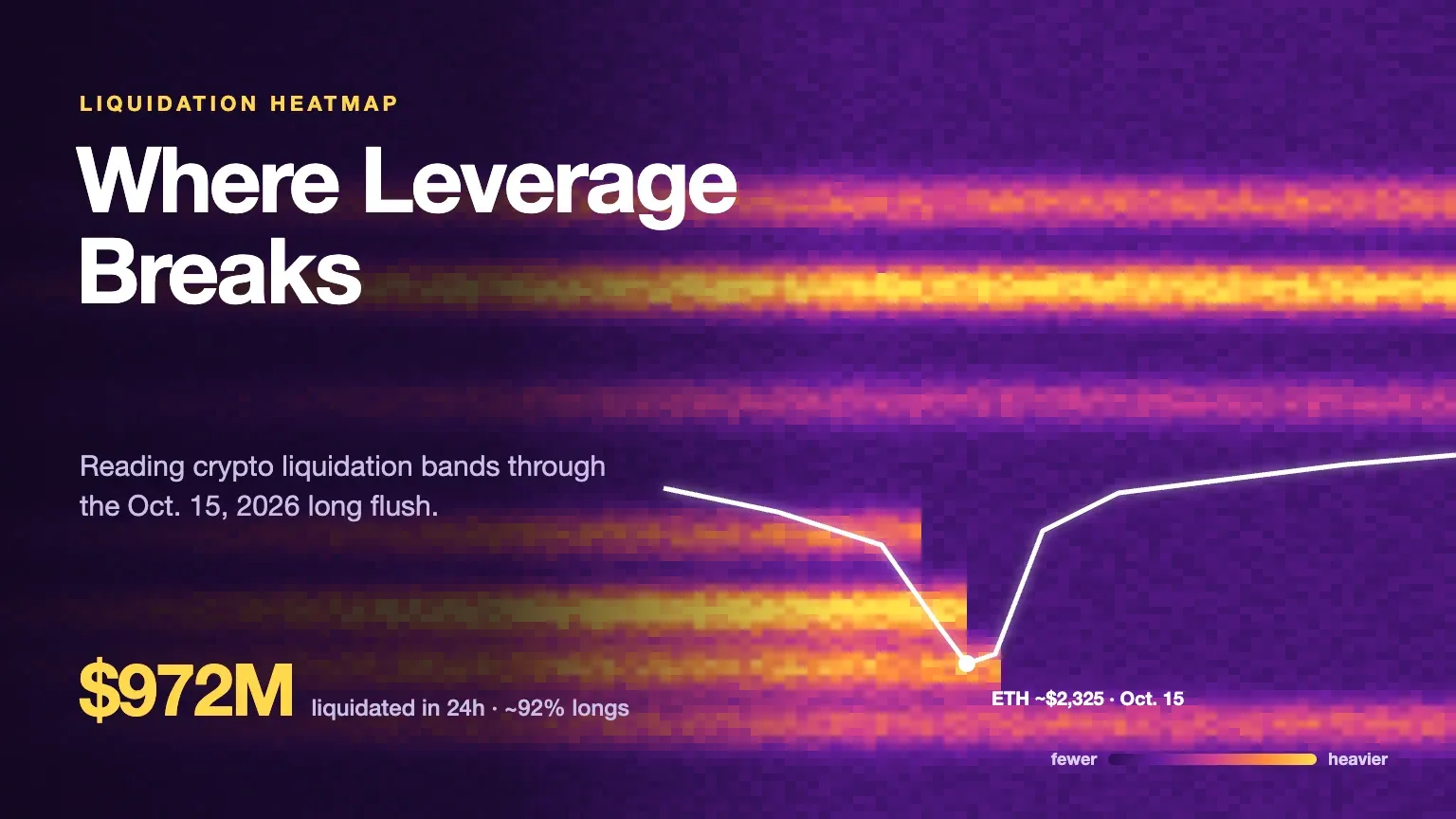
Crypto Liquidation Heatmap: Reading the $972M Oct. 15 Long Flush
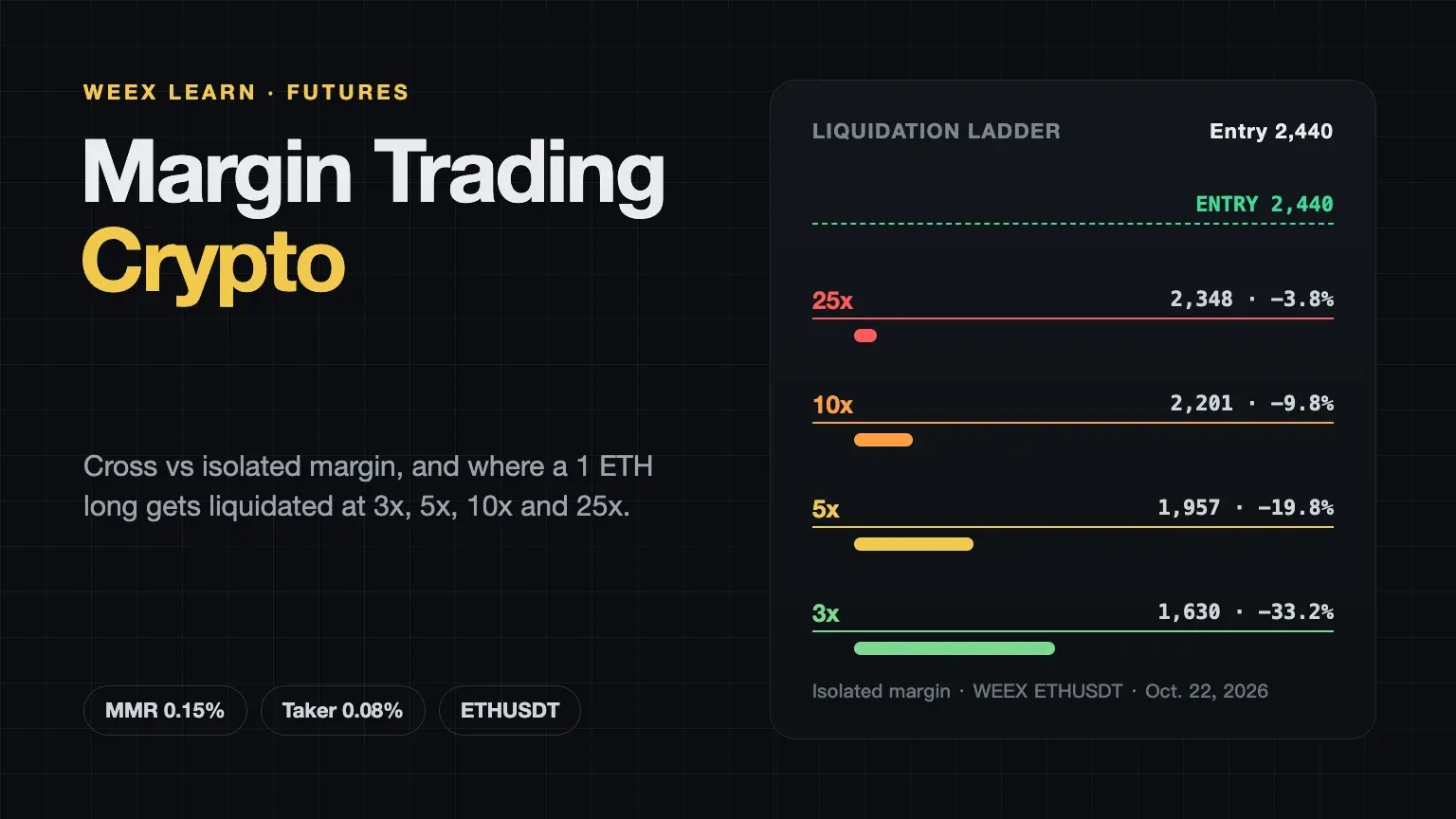
Margin Trading Crypto: Cross vs Isolated and Liquidation Math
How to Convert BTC to USDT: A Step-by-Step WEEX Guide
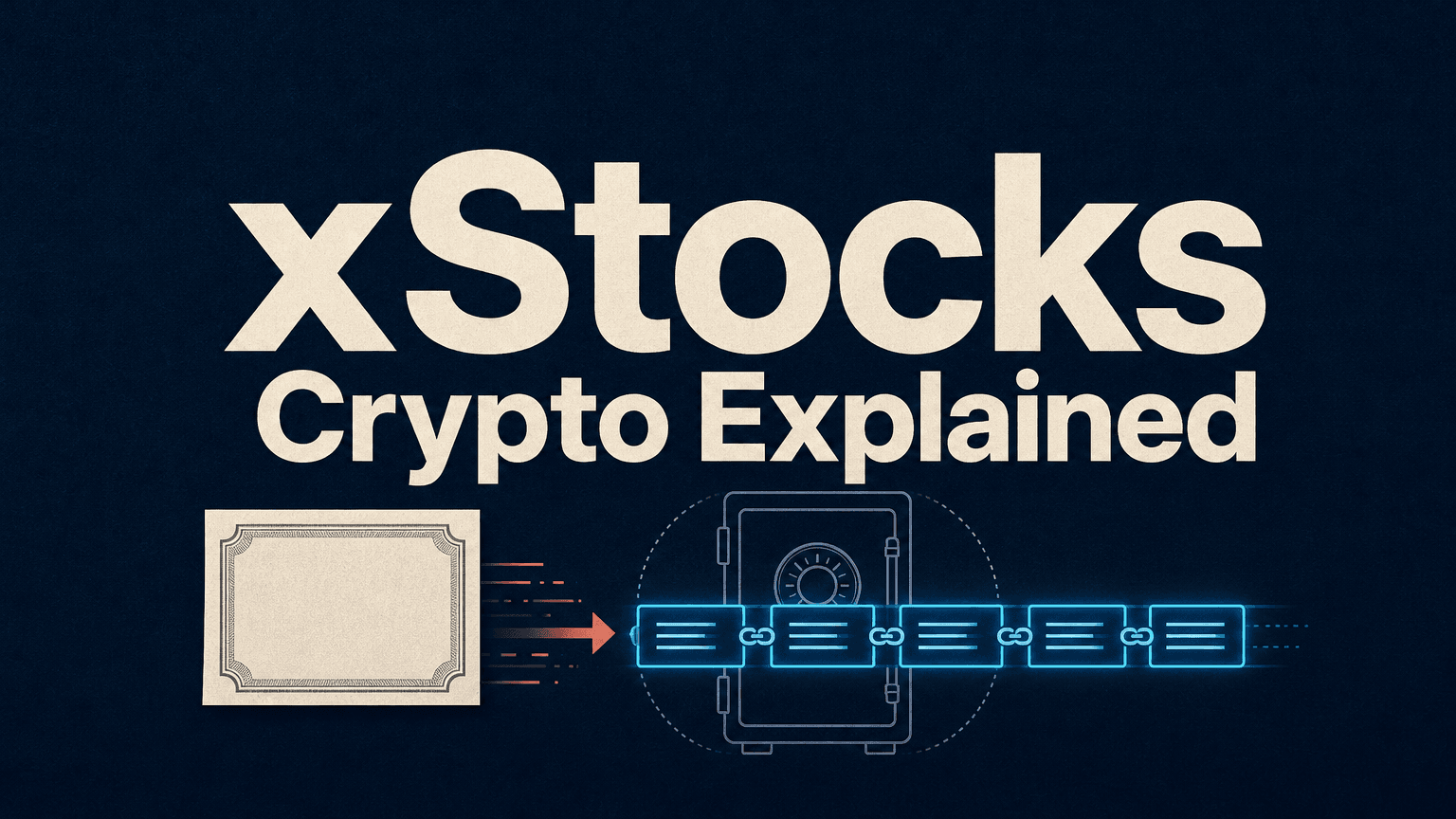
xStocks Crypto Explained: What Tokenized Stocks Are, How They Work and What Holders Should Check

What Happened to Aergo (AERGO) Crypto? Token Migration and What Holders Should Do
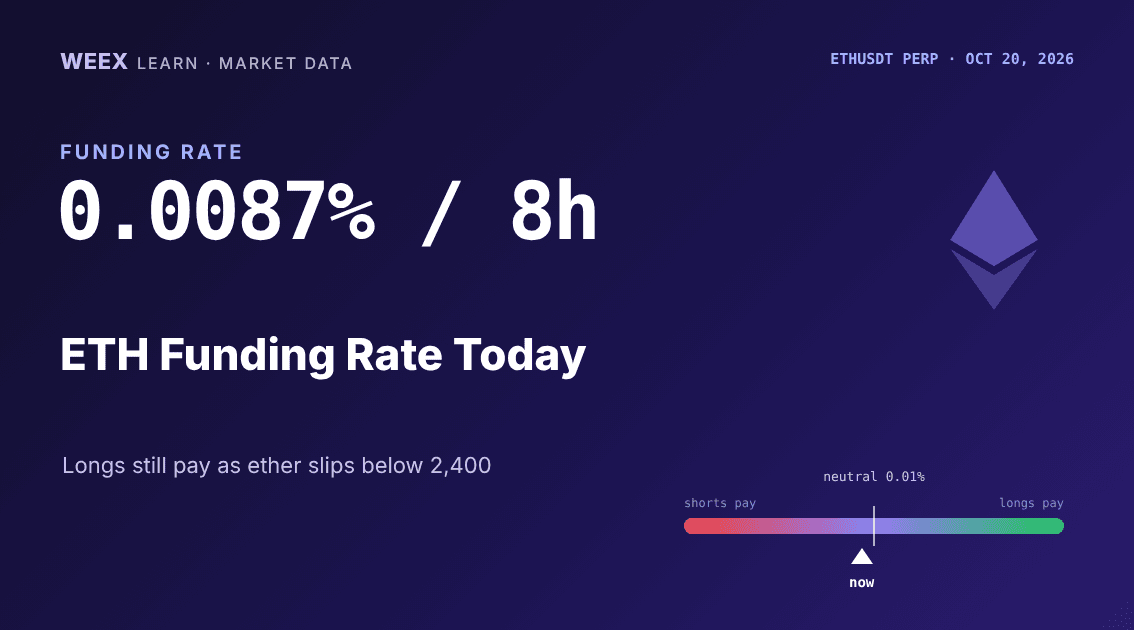
ETH Funding Rate Today: 0.0087% per 8h as Ether Longs Re-Lever
What Is Blockchain and How Does It Work? One Transaction, Traced
Staking APR vs Inflation: How Much of Your Crypto Yield Is Real?
WEEX Convert Fees: What Zero-Fee Conversion Really Costs You
WEEX Convert Quote: How the 8-Second Price Lock Really Works
WEEX Convert Limits: Minimum and Maximum Amounts Explained
How to Check a WEEX Convert Order: History, Rate and Status
Bitcoin Price After Hot CPI: Why BTC Is Pinned Near $82,000
Limit Sell Order: How to Set a Take-Profit Price in Crypto

Best Crypto Podcasts for Beginners: A 4-Week Listening Plan

What Is Plume (PLUME)? Why the RWA Token Stays 93% Below Its High Even After the Layer 2 Rally
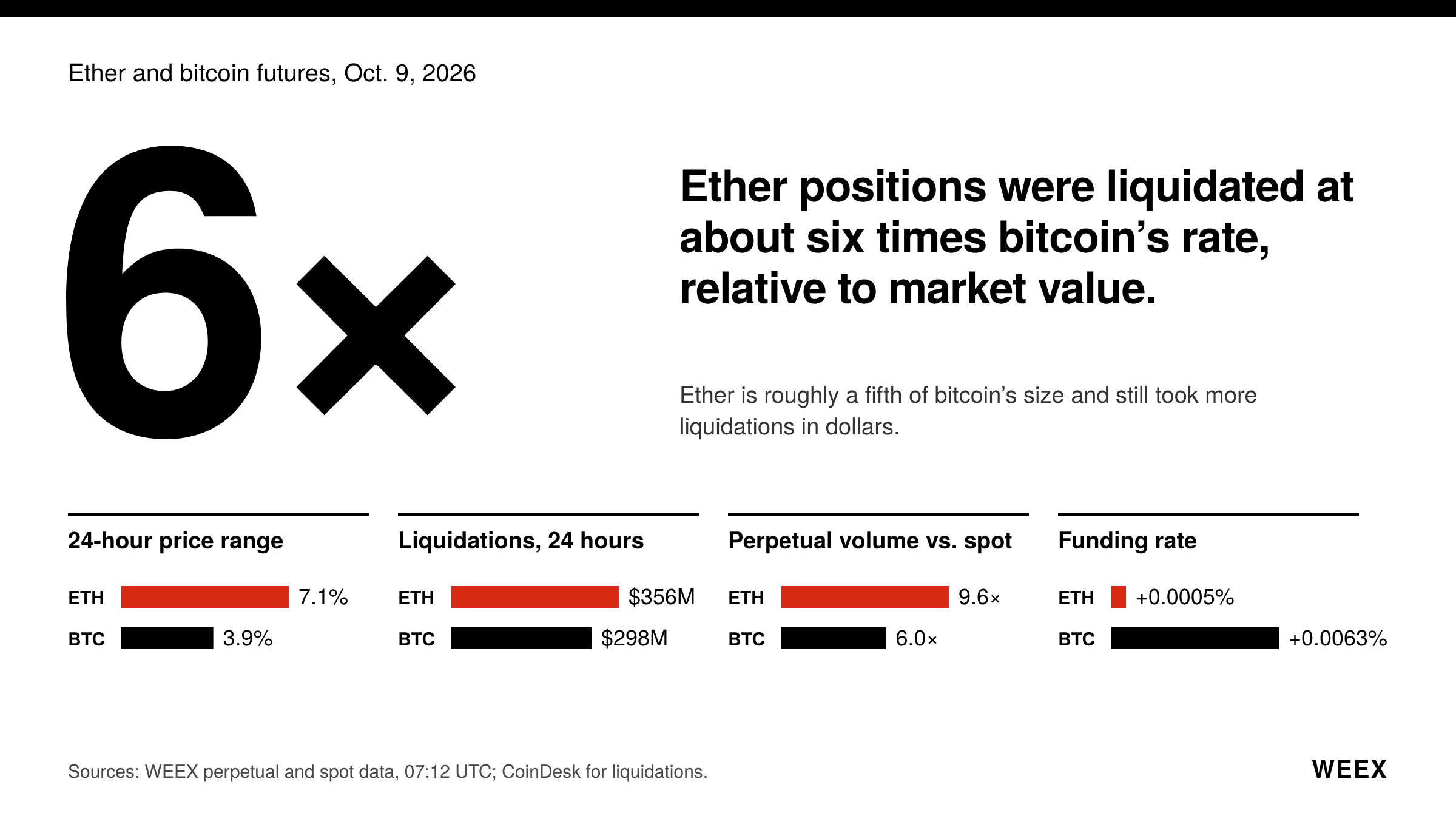
ETH Futures: Why Ether Is Falling Faster Than Bitcoin This Week
How to Buy Presale Crypto: Step by Step Guide for Beginners

Ethereum Glamsterdam Hits 200M Gas on Sepolia: What Changes After the Upgrade?
What Is Staking? 4 Myths to Clear Up Before You Stake Crypto
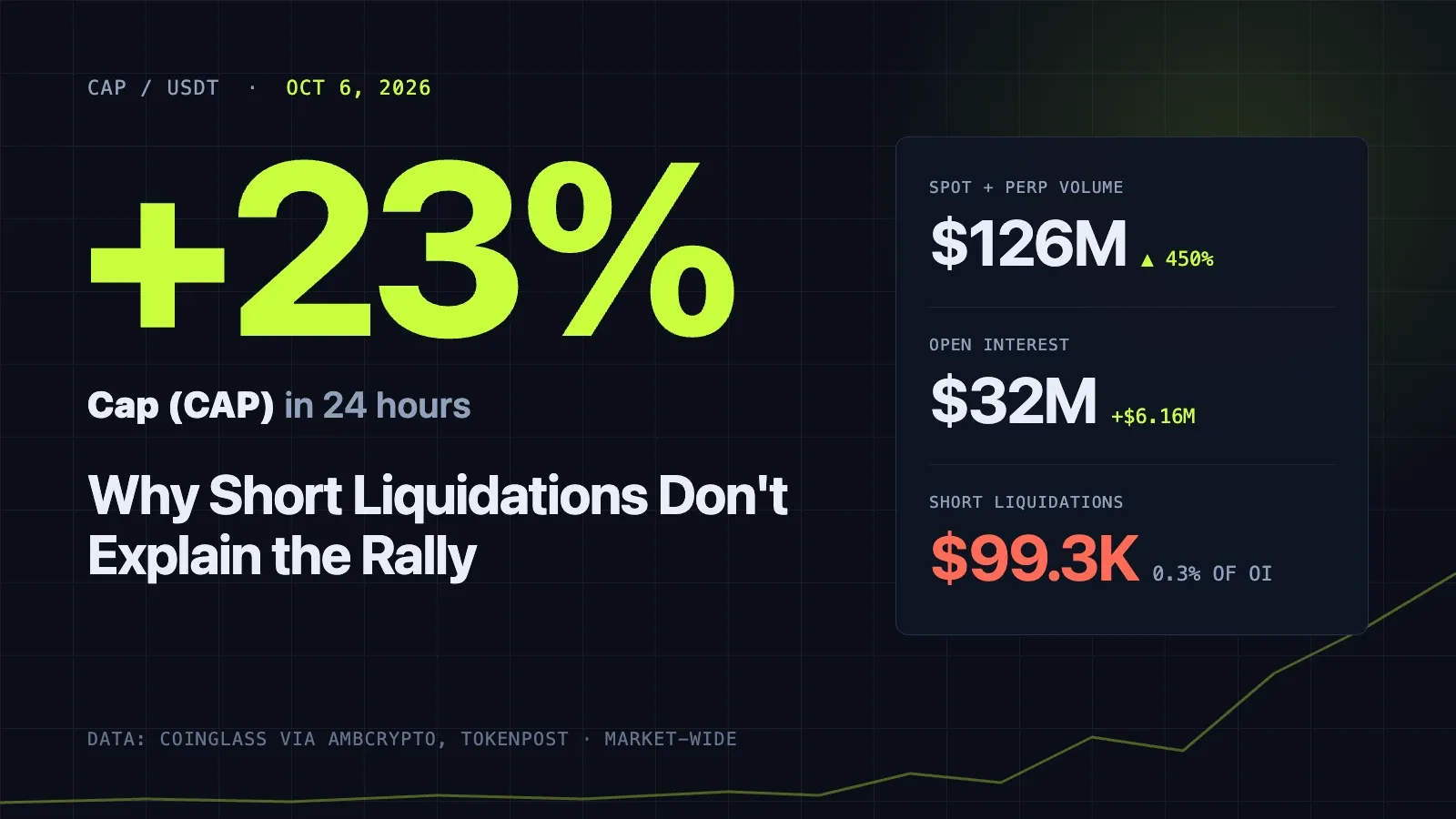
CAP Price Up 23%: Why Short Liquidations Don't Explain the Rally
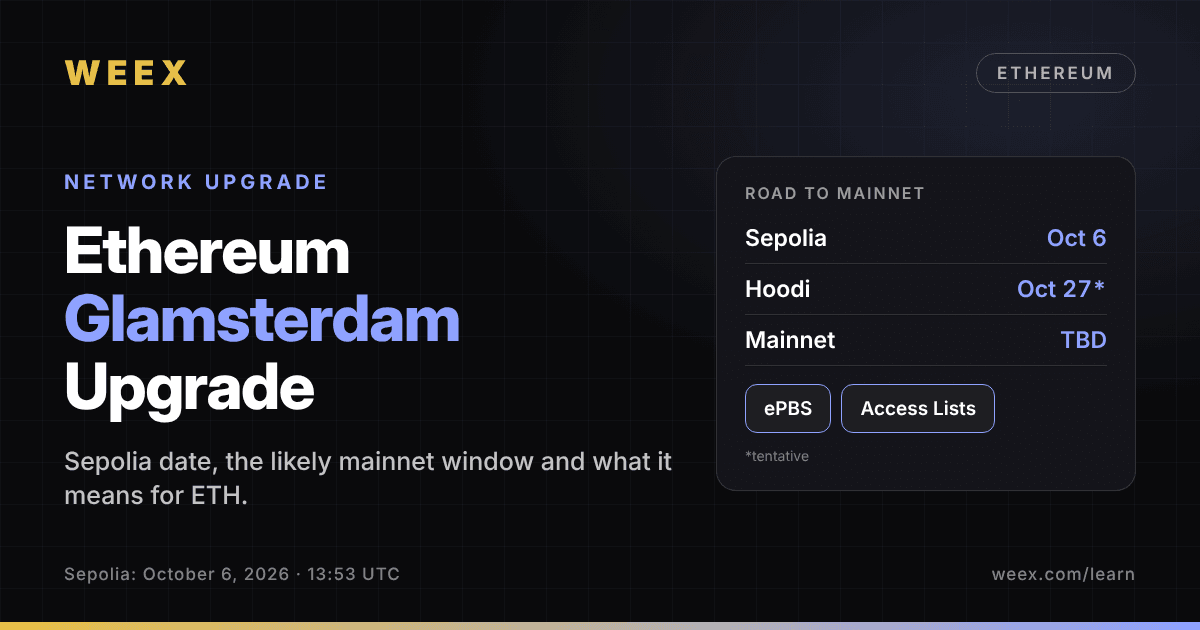
Ethereum Glamsterdam Upgrade: Sepolia Date and ETH Price Impact
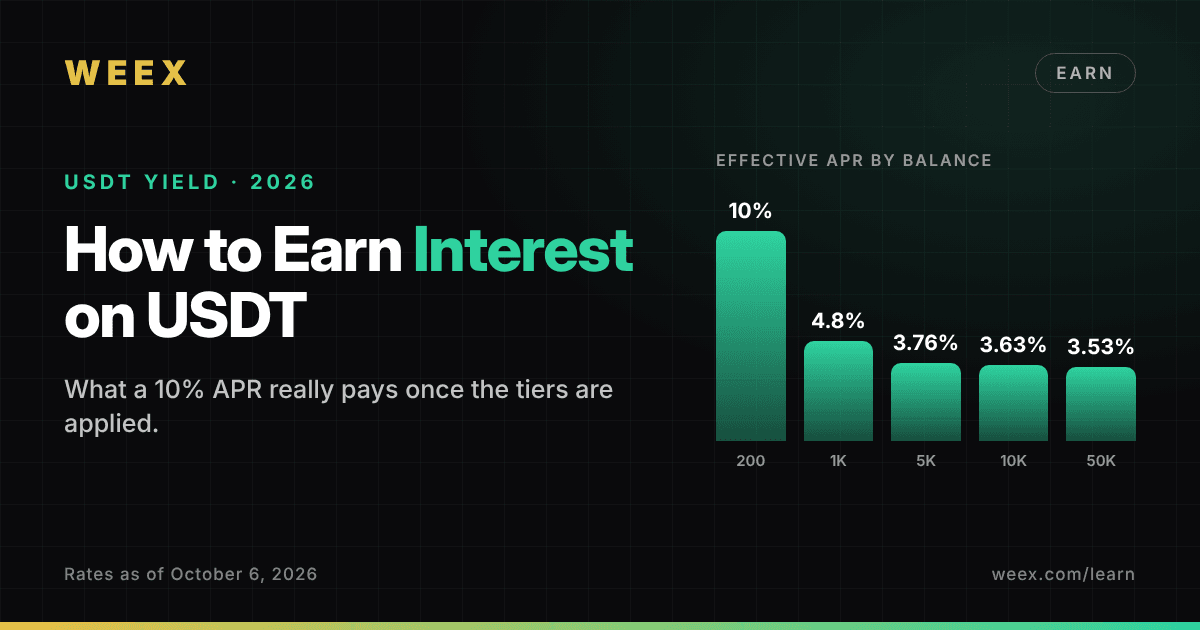
How to Earn Interest on USDT: What a 10% APR Really Pays in 2026

How to Buy Crypto With Apple Pay in 5 Steps: Why Your Bank May Decline the Payment
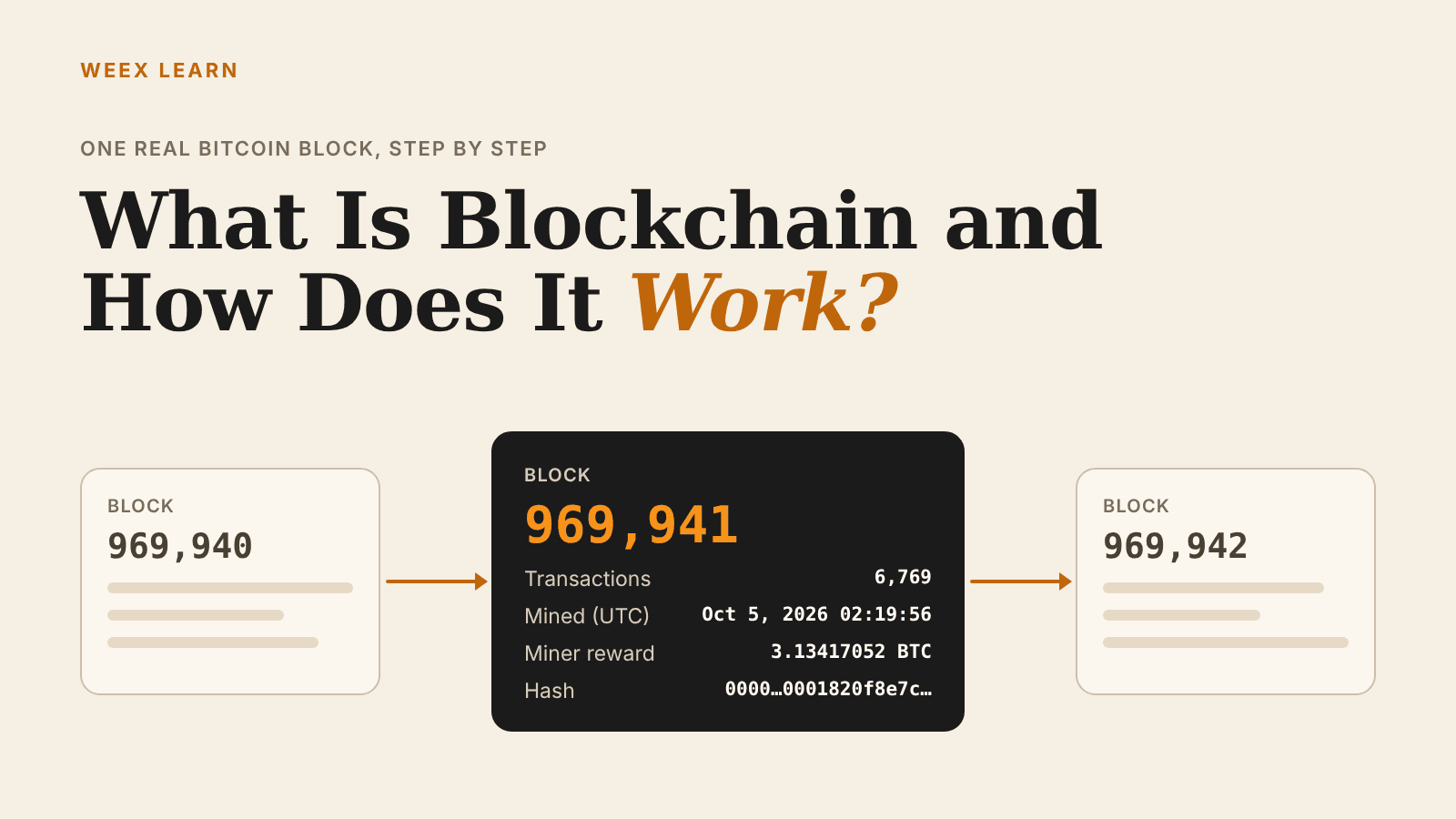
What Is Blockchain and How Does It Work? One Real Block Explained
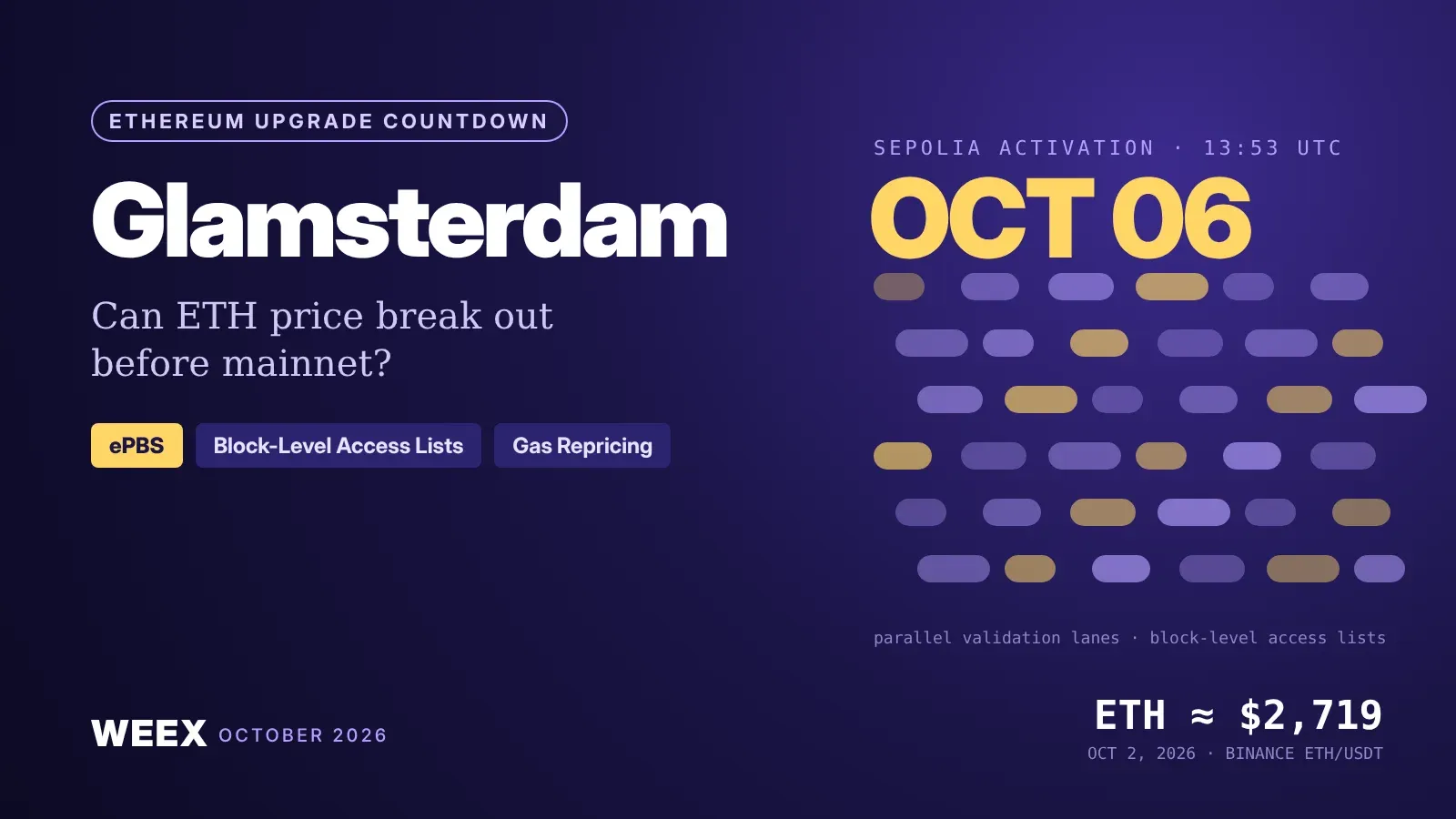
Ethereum Glamsterdam Upgrade Countdown: Can ETH Price Break Out?
How to Convert ETH to USDT on WEEX: Step-by-Step Guide
How to Convert USDT to BTC on WEEX: Step-by-Step Guide
How to Convert BTC to ETH on WEEX: Step-by-Step Guide
Ethereum Funding Rate: How It Works and Why It Dropped Near Zero
Crypto Liquidation Heatmap: Reading the $972M Oct. 15 Long Flush
Margin Trading Crypto: Cross vs Isolated and Liquidation Math





